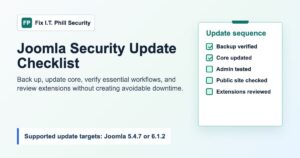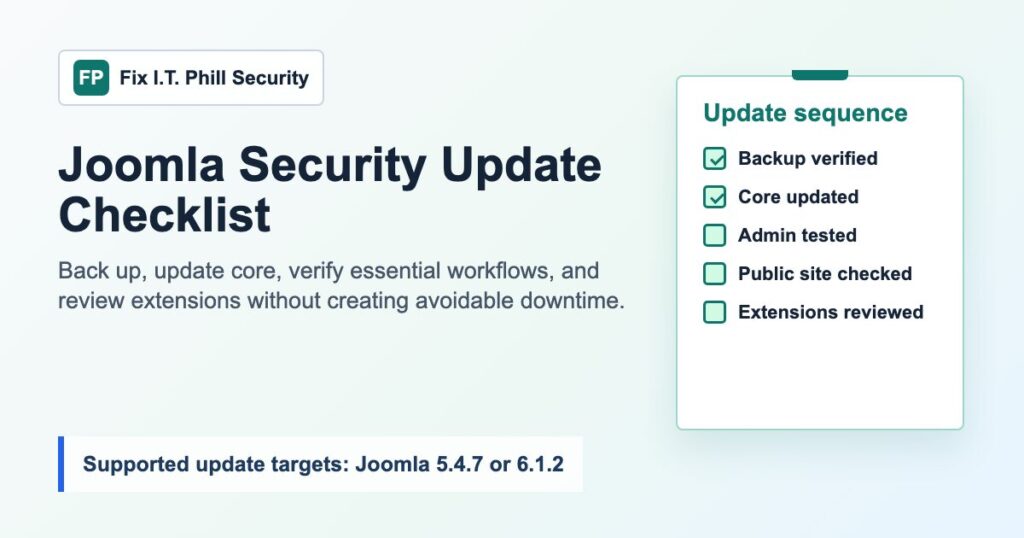
Joomla published a July 2026 security update series for supported 5.x and 6.x sites. Its Security Centre directs affected administrators to update to Joomla 5.4.7 or 6.1.2. This is a maintenance task, not a reason to rush an untested change into a production site: make a recoverable backup, test the update path when the site is business-critical, and verify the public site and administrator workflows after the update.
Important: this guide covers defensive maintenance only and stays focused on safe planning, updating, and verification.
Why this Joomla update should be scheduled now
Joomla’s July advisory series covers multiple core issues, including access-control and cross-site scripting findings. The affected-version ranges differ by advisory, but the current official guidance consistently points supported installations to 5.4.7 or 6.1.2. Treat the update as a priority for any Joomla site that is still on an affected release, especially sites with several administrators, member accounts, frontend submission, media management, or extensions that connect to outside services.
The separate Joomla extension issues that were recently added to CISA’s Known Exploited Vulnerabilities catalog need their own extension-specific review. They are not the same thing as this Joomla core update. Keep the two workstreams separate so that a core update does not create false confidence about add-ons.
Before updating Joomla
- Record the current state. Note the Joomla version, PHP version, active template, key extensions, and the time you begin. A short change note makes troubleshooting much easier later.
- Create a usable backup. Capture both site files and the database. Confirm that the archive completed, is stored somewhere you can reach without the affected site, and has a restore owner.
- Choose a quiet maintenance window. Avoid checkout peaks, registration deadlines, content publishing windows, and scheduled imports. Tell affected editors when administrator access may be briefly unavailable.
- Check PHP and extension compatibility. Review the version requirements for the current Joomla branch and the site’s critical extensions before changing core. Do not use the update window to perform unrelated extension replacements.
- Use staging when the site has important integrations. Test the core update with the real template, forms, membership flow, multilingual content, payment workflow, and custom integrations before production when practical.
Update Joomla core safely
- Sign in through the normal Joomla administrator interface or your approved hosting-management workflow.
- Review the available core update and confirm it matches the supported branch you intend to run.
- Install the update without combining it with broad template, PHP, or extension changes.
- Wait for the update to finish and for the administrator interface to return normally. Do not close the update flow early or repeatedly refresh it.
- Confirm the installed Joomla version after the update. An update prompt disappearing is useful, but it is not the only verification step.
Post-update verification checklist
- Open the public home page and several representative pages in a private browser window.
- Sign in as an administrator and a least-privileged user where the site uses accounts.
- Test the forms, media library, search, contact or event workflows, and any member or commerce journey that matters to the site.
- Review scheduled tasks, email notifications, and integration dashboards for failed jobs or alerts.
- Clear only the caches you control, then retest from the public side. A stale CDN or page cache can hide an update problem or make a healthy change appear broken.
- Check server and application error reporting for new warnings after the site has handled normal traffic.
- Confirm that the backup and restore contact still knows where the pre-update restore point is located.
Keep core and extension risk separate
Updating Joomla core does not update third-party extensions. Make an inventory of installed extensions, remove abandoned components that are no longer needed, and subscribe to the vendors that maintain the extensions your site depends on. For the recently cataloged Joomla extension risks, use the separate CISA KEV extension checklist and follow the affected vendors’ current guidance.
For the core update itself, Joomla’s official Security Centre is the source of truth. It identifies the affected ranges, the severity context, and the version each advisory says to install. Keep that page in your maintenance record alongside the date your site was checked.
Hosting-team handoff notes
If you manage sites for clients, capture the pre-update version, backup timestamp, updated version, public test results, and any unresolved compatibility issue in the ticket or maintenance report. That gives the next administrator a clean recovery path and makes it clear which changes were core maintenance versus extension work.
For a WordPress estate as well as Joomla sites, keep the same discipline: a verified backup and restore-point check should happen before any production platform change. A consistent backup-first process is more valuable than a collection of emergency fixes.
Joomla security update FAQ
Do I need to update if the site appears to work?
Yes, if the installed version is within an affected range and the official advisory directs your branch to a newer release. Normal public rendering does not show whether a security fix is missing.
Can I update core and every extension at once?
Keep the work observable. Apply the core update, verify it, then schedule extension updates in a controlled batch. If an extension has an urgent vendor advisory, handle it as its own documented task.
What if an extension blocks the update?
Do not leave the site in an uncertain state. Restore or stabilize the tested baseline, contact the extension vendor, and document the compatibility blocker. A staging copy can help you plan the smallest viable compatibility change without putting production at risk.
Bottom line
Joomla 5.4.7 and 6.1.2 are security maintenance releases for supported Joomla sites. Back up first, update the correct branch, verify administrator and public workflows, then continue with a separate extension-review pass. That is the practical route to reducing risk without turning a routine security update into avoidable downtime.