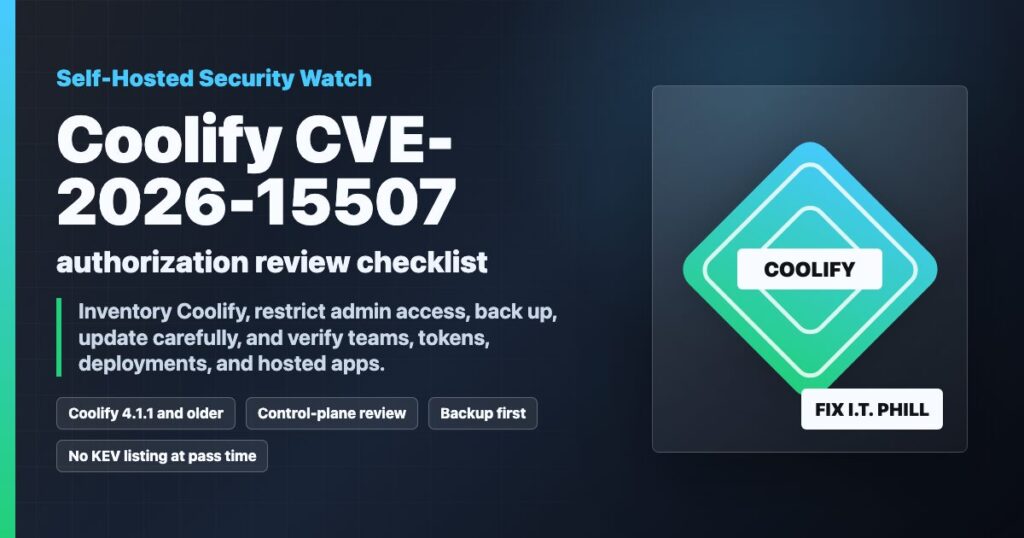
CVE-2026-15507 is a newly published Coolify authorization issue affecting self-hosted Coolify installations reported up to version 4.1.1. Coolify sits close to the hosting control plane: it manages servers, applications, databases, Git integrations, deployment settings, service templates, and team access. That makes even a medium-scored authorization issue worth fast review on production systems.
At the time of this FixItPhill radar pass, CISA KEV had not added this CVE, and the CVE/NVD record did not name a confirmed fixed version. Coolify 4.1.2 was the latest release visible from the vendor release page, so the practical path is to inventory exposure, back up, test the latest available release path, restrict access, and keep watching vendor advisories.
Who Should Prioritize This
- Self-hosted Coolify users running 4.1.1 or older.
- Teams using Coolify to deploy customer websites, WordPress sites, APIs, databases, or internal tools.
- Hosting providers or agencies where multiple customers, teams, or projects share one Coolify instance.
- Admins who expose Coolify to the public internet instead of a VPN, Zero Trust tunnel, or trusted management network.
- Sites where Coolify has deployment keys, registry credentials, environment variables, server SSH access, or production database connection details.
Immediate Containment Checklist
- Confirm the exact Coolify version and whether it is self-hosted or cloud-managed.
- Limit Coolify access to trusted admins while the issue is being reviewed.
- Review team membership, API tokens, deploy keys, Git integrations, registry credentials, and recently changed resources.
- Check recent audit logs, deployment activity, project changes, and server changes for anything unexpected.
- Do not make broad permission changes until a backup exists and the current state is documented.
- If Coolify manages production WordPress sites, confirm the site-level backups are current before changing the control plane.
If the Coolify instance is part of a WordPress hosting workflow, use the FixItPhill WordPress support guide and the WordPress backup and restore-point checklist before touching live sites.
Backup-First Update Workflow
The safest update is boring: document, back up, update, verify, and keep a rollback path. Coolify can manage many downstream services, so the control-plane update should be treated like a hosting maintenance window instead of a normal plugin update.
- Export or snapshot the Coolify host before the update.
- Confirm backups for the applications and databases managed by Coolify.
- Record the current Coolify version, server list, projects, teams, and update settings.
- Read the latest Coolify release notes and upgrade documentation.
- Apply the latest available Coolify update in a planned window.
- Verify login, team isolation, project access, deployments, database backups, webhooks, and proxy routing.
- Keep monitoring for a vendor advisory or a CVE record update that names a specific fixed release.
For adjacent hosting work, compare the same verification pattern with the WHM Security Advisor post-update checklist and the self-hosted AI patch checklist.
What To Review After Updating
- Every admin account still has the correct team membership.
- Non-admin users cannot view or change projects outside their team.
- API tokens and deploy keys are still scoped to the right team or project.
- Recent deployments were expected and came from the intended Git source.
- Production environment values were not changed unexpectedly.
- Backups still run and restore tests still have a documented path.
- Public applications, WordPress sites, APIs, and databases still respond after the control-plane update.
When To Escalate
Escalate the review if you find unknown users, unexpected team changes, token creation you cannot explain, deployment activity outside a maintenance window, changed environment values, or services that started failing after a Coolify update. In those cases, preserve logs, rotate exposed credentials, and verify each hosted workload separately.
For WordPress sites, verify the customer path after the Coolify work: homepage, login, forms, checkout, cron, email delivery, backups, and admin access. The WordPress support ticket checklist is a useful structure for collecting evidence without guessing.