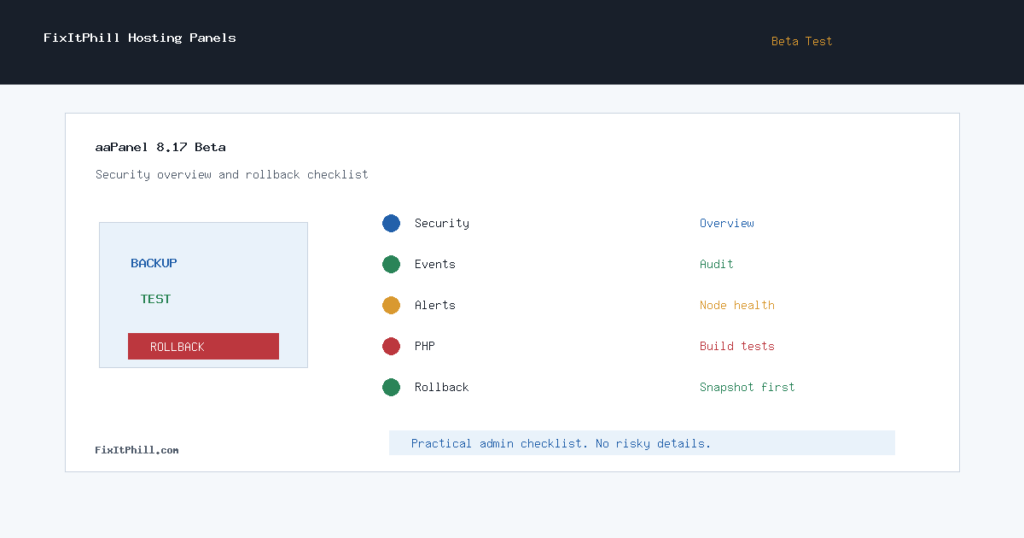
aaPanel 8.17.0 beta landed on July 9, 2026 with a security-heavy admin angle: a new Security Overview page for posture scanning, protection controls, and event audit, plus monitoring alerts for node CPU, memory, traffic, disk, and server expiration time.
This is not a “click update on production and hope” release. It is beta software, and the right path for hosting admins is to stage it, snapshot it, test the new security and monitoring surfaces, and keep a rollback plan ready before touching customer-facing panels.
Why Hosts Should Notice
aaPanel has been moving more server-security and visibility controls into the panel. Recent beta notes also mention scan detection, backup and restore interface work for PHP Project and WP Toolkit, SSH interface improvements, and app-store usability changes. Those are practical hosting-admin areas because they touch intrusion visibility, restore workflows, customer WordPress sites, and day-to-day server triage.
Where to Test First
- A staging VPS that matches the production operating system and web stack.
- A non-critical internal aaPanel server with recent backups.
- A lab server that includes the same PHP, database, web server, WP Toolkit, and backup/restore features used in production.
- Never start with the only panel that manages customer DNS, mail, billing, or production websites.
Backup and Rollback Checklist
- Capture a full server snapshot or provider image before upgrading.
- Export aaPanel settings and document installed app versions.
- Verify website, database, and file backups before the panel update.
- Record current PHP versions and any custom build requirements.
- Confirm SSH access that does not depend on the aaPanel web UI.
- Keep the previous stable panel version documented for rollback planning.
- After upgrading, force-refresh the browser as aaPanel recommends, then test the panel from a clean session.
What to Verify After 8.17.0 Beta
- Security Overview loads and reports expected posture items.
- Protection controls do not block legitimate admin or customer traffic.
- Event audit entries are visible and timestamped correctly.
- Node monitoring alerts can be configured without noisy false positives.
- PHP Project and WP Toolkit backup/restore paths still complete successfully.
- SSH settings and login-failure visibility still match your hardening policy.
- App Store grid/list changes do not hide required maintenance packages.
- PHP install or rebuild workflows are tested on the same architecture used in production.
Issue Watch
aaPanel forum reports around PHP builds, especially on smaller ARM64 Ubuntu systems, are worth watching before rolling beta features into customer panels. A build failure on a lab machine is annoying. A build failure on the server that hosts customer WordPress sites is a support incident.
FixItPhill Position
aaPanel 8.17.0 beta is publish-worthy because it moves security posture, event audit, and monitoring alert workflows into areas hosts actually touch. The safe approach is not to ignore it, and not to rush it. Test the beta, learn the new security surfaces, document alert thresholds, and wait for stable confirmation before moving critical production panels unless you have a specific reason to test early.
For customer servers, the right message is simple: backups first, panel access outside the web UI second, beta testing third, production rollout last.