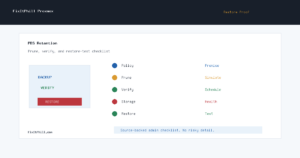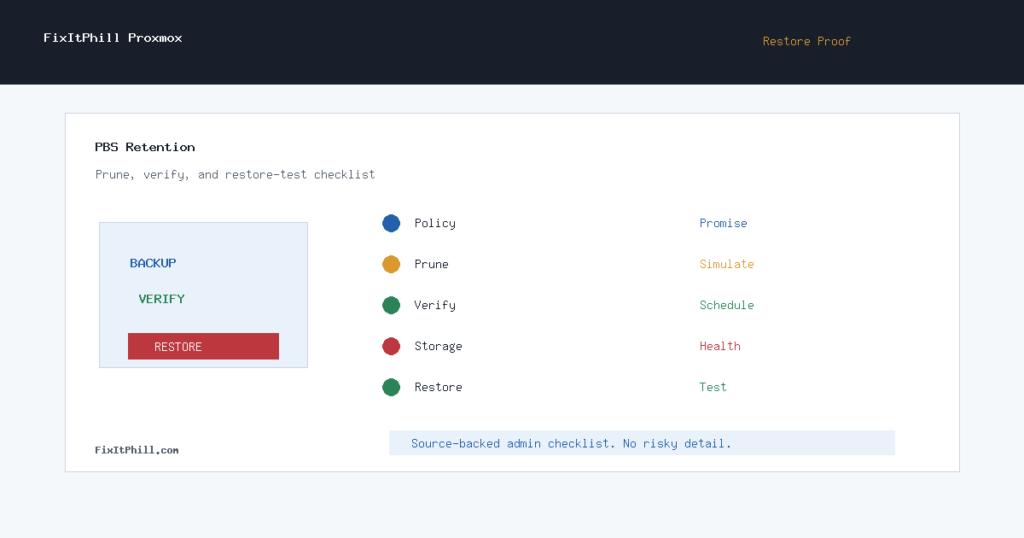
Proxmox Backup Server retention should be managed like an operations control, not a storage cleanup chore. If prune jobs remove the wrong history, garbage collection runs before the team notices a bad backup window, or nobody has restored from the current datastore, the backup system can look healthy while still failing the moment a real recovery is needed.
This checklist is for Proxmox VE and Proxmox Backup Server admins running hosting clusters, lab-to-production fleets, or customer VM infrastructure. It focuses on retention policy, prune simulation, verification, storage health, and restore testing.
Map the restore promise first
Retention should start with the recovery promise, not with the storage graph. Decide what each workload needs: fast rollback after a bad update, several daily restore points for customer mistakes, weekly history for delayed discovery, or longer history for compliance and billing disputes. A database VM, a cPanel guest, and a disposable test VM do not need the same backup history.
Once that restore promise is clear, group backups by risk. Production customer services need a different policy than staging systems. Shared hosting panels need special care because one guest can contain many customer sites, mailboxes, databases, and DNS assumptions.
Use prune simulation before changing retention
Proxmox Backup Server includes a prune simulator for testing retention choices before you apply them. Use it before reducing history, before adding a new backup schedule, and before converting a manual cleanup habit into an automated prune job. The point is to see what would remain after the policy runs.
Do not only check the latest backup. Look at the pattern across hours, days, weeks, and months. A policy that looks fine for one workload can be too thin for another workload with a different reporting cycle. Customer-facing systems often need enough history to cover problems found after a weekend, after a billing cycle, or after a delayed plugin update report.
Separate prune from garbage collection
Pruning removes backup snapshot metadata from the visible set. Garbage collection is what eventually removes unreferenced chunks. Treat those as related but separate steps. A good operations runbook documents when prune jobs run, when garbage collection runs, and when verification jobs run, so the team can explain why a snapshot disappeared and whether the underlying datastore was cleaned afterward.
Before you reduce retention, check recent verification status and datastore pressure. If storage pressure is the only reason for a policy change, consider whether a larger datastore, a remote sync target, or a tiered retention plan is safer than deleting history too aggressively.
Verify backups before trusting retention
A retention policy only matters if the remaining backups are usable. Schedule verification for the important backup groups and review failures as maintenance work, not background noise. If a verification job reports trouble, do not wait for the next disaster to investigate it.
For hosting clusters, also verify that backup coverage follows the workload. If a VM moved nodes, storage changed, a new datastore was added, or a guest was rebuilt, confirm that the intended backup job still protects the right asset.
Run restore tests on a schedule
Every backup plan needs a restore test. For Proxmox environments, that means testing enough of the path to prove that operators can recover files, whole guests, and critical service data. Do not test only during an emergency. A scheduled restore test finds credential gaps, missing keys, datastore assumptions, network issues, and documentation drift while there is still time to fix them.
For customer-facing clusters, keep restore tests isolated. Restore into a safe target, do not collide with production identities, and do not expose private client material during validation. The result should be a clear pass or fail record: which datastore, which backup group, which restore method, what was validated, and what follow-up remains.
When to revisit the policy
- After a Proxmox VE or Proxmox Backup Server major upgrade.
- After adding S3-backed storage, remote sync, or a new datastore.
- After moving customer workloads between nodes or clusters.
- After a restore incident, even if the restore succeeded.
- Before enabling a more aggressive prune schedule.
- Before changing backup frequency for high-value guests.
Related FixItPhill checks
- Proxmox VE 9.2 Dynamic Load Balancer HA Checklist
- Proxmox Backup Verification Checklist Before You Need a Restore
- Proxmox Backup Server 3.4 to 4.2 Upgrade Guide
- How To Install And Configure Proxmox Backup As A Standalone Server