June 24, 2026 update: Cloudflare says self-managed OAuth is now available broadly to Cloudflare developers and customers. For agencies, SaaS operators, hosting teams, and internal platform builders, the practical change is simple: you can build customer-facing Cloudflare integrations without asking users to paste long-lived API tokens into your app.
This is not a vulnerability advisory. It is an operations and implementation checklist for teams that want cleaner delegated access, clearer consent, easier revocation, and less shared-token handling in Cloudflare workflows.
Plain-English impact
Many Cloudflare automations still depend on manually created API tokens. That can work for internal scripts, but it becomes awkward when a customer, client, or non-technical site owner needs to connect a third-party service. Self-managed OAuth gives developers a more standard path: the user grants scoped access through Cloudflare, reviews what the app can do, and can later revoke that authorization.
For Fix I.T. Phill readers, this matters when you are building or buying tools that manage DNS, Workers, CDN settings, security rules, media delivery, AI-agent workflows, or customer account automation.
Who should use this
- SaaS apps that need customer-authorized Cloudflare access.
- Agencies that manage Cloudflare settings for clients.
- Internal developer platforms that currently collect or store broad API tokens.
- Cloudflare Workers projects that need a user authorization layer.
- AI-agent or MCP-style tools that need limited, consent-based account access.
Before you replace API tokens
Do not treat OAuth as automatic safety. Treat it as a cleaner access model that still needs design discipline. Before creating a Cloudflare OAuth client, document the exact product action you need, the minimum Cloudflare scopes required, the redirect URLs you will use, who owns the app, how support can identify a failed authorization, and how customers can revoke access.
Also decide whether this integration is private to one Cloudflare account or public for any Cloudflare user. Cloudflare documentation says new OAuth clients start as private. A public client requires extra fields and domain verification, and public visibility cannot be changed back to private after promotion.
Setup path
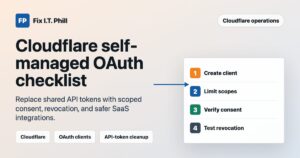
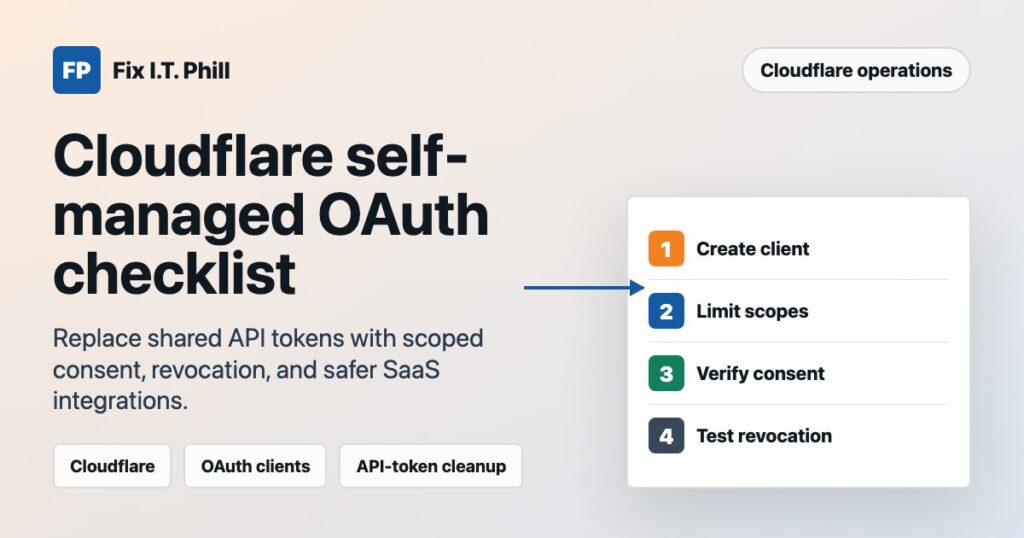
- Log in to the Cloudflare dashboard with an account role that can create OAuth clients.
- Go to Manage Account > OAuth clients.
- Create the client with a clear name, response type, grant type, token authentication method, and redirect URLs.
- Select only the scopes your application actually needs.
- Save the Client ID and any required Client Secret in a secure secret manager. Do not put a client secret in browser-side code, mobile binaries, public repositories, ticket comments, or chat logs.
- Test the authorization flow with a non-production Cloudflare account or a low-risk zone first.
- Confirm the app can complete its intended action, then confirm access can be revoked and stays revoked.
Migration checklist for existing token-based tools
- Inventory every place your tool stores Cloudflare API tokens today.
- Separate internal server-to-server automation from customer-delegated access. OAuth is the stronger fit for customer consent flows; tightly scoped service tokens may still make sense for private automation.
- Map each old token permission to the smallest OAuth scope set that still works.
- Update onboarding copy so customers understand what they are authorizing before they click through.
- Plan a cutover window, especially if the integration manages production DNS, Workers, cache purge, security rules, or customer-facing delivery paths.
- Keep a rollback path until the OAuth flow has been tested in production with real support visibility.
- After migration, rotate or remove old API tokens instead of leaving both access paths active forever.
Verification after setup
- The consent screen shows the expected app name and publisher domain.
- The requested scopes match the documented job of the integration.
- A test user can authorize, complete the intended workflow, and then revoke access.
- Revoked access no longer works after normal token refresh windows.
- Support logs can distinguish a user cancellation, a missing scope, a revoked grant, and a real product failure.
- Customers have a plain-language support article explaining how to disconnect the app.
Notes for AI-agent and MCP workflows
Cloudflare’s Agents documentation also ties authorization for MCP-style servers to OAuth. If you are exposing tools to agents, do not give broad account control just because the interface is automated. Map permissions to the actual tools the agent can run, show the user what is being granted, and enforce those permissions after consent.
What site owners should ask vendors
- Do you support Cloudflare OAuth, or do you still ask me to paste an API token?
- Which Cloudflare scopes do you request, and why?
- Can I revoke access from my Cloudflare dashboard without opening a support ticket?
- Do you store any long-lived Cloudflare secrets?
- What happens if I remove the authorization during a DNS, CDN, Workers, or security-rule change?
Fix I.T. Phill guidance
If you run a business site, ecommerce stack, agency platform, or hosting workflow, this is a good time to review any Cloudflare-connected tools that still rely on broad shared tokens. For new integrations, prefer scoped consent, documented customer permissions, secure secret storage, and a revocation test before trusting the flow with production domains.
Need a safe starting point for Cloudflare, DNS, or CDN planning? Start at the Fix I.T. Phill home page and use the public tools and guides there before changing customer access flows.
Sources
- Cloudflare Blog: Unlocking the Cloudflare app ecosystem with OAuth for all
- Cloudflare Changelog: Introducing self-managed OAuth clients
- Cloudflare Docs: OAuth Applications on Cloudflare
- Cloudflare Docs: Create your OAuth client
- Cloudflare Docs: Authorizing an application
- Cloudflare Agents Docs: Authorization
- Cloudflare Workers OAuth Provider Library