
Security
The Importance of Regularly Updating Your WordPress Site
WordPress updates protect security, stability, compatibility, and supportability. Use this 2026 checklist before and after updating core, themes, and plugins.

WordPress updates protect security, stability, compatibility, and supportability. Use this 2026 checklist before and after updating core, themes, and plugins.

Know what to gather before asking for WordPress help: errors, updates, backups, hosting access, security warnings, builder issues, and post-fix checks.
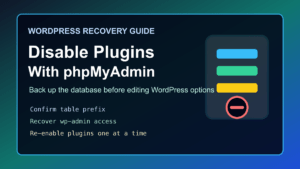
2026 update: Disabling WordPress plugins from phpMyAdmin is still useful when a plugin breaks wp-admin, causes a fatal error, or blocks normal login. Treat it as a recovery step, not routine maintenance. Take a database
