
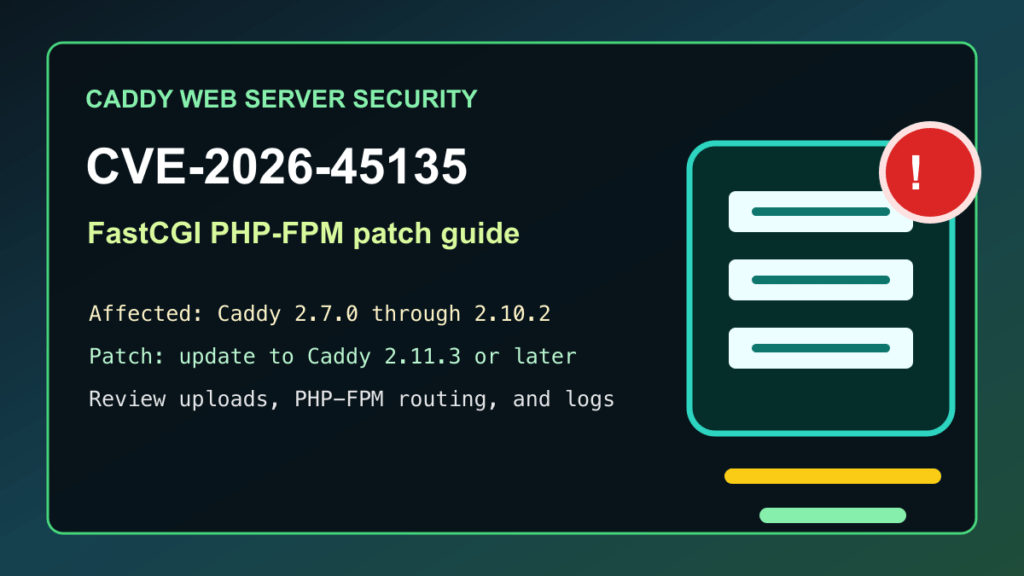
Impact statement: CVE-2026-45135 is a High-severity Caddy web server issue in the FastCGI path-splitting logic used by PHP-FPM and other FastCGI backends. Caddy says affected deployments can incorrectly treat a non-PHP file as a script when the attacker can place content into a file that Caddy later routes through FastCGI. In practical hosting terms, the risk is highest on PHP sites, upload-heavy applications, user-content stores, package mirrors, and containers where Caddy and PHP-FPM share webroot access.
This is not every Caddy install. A static-only Caddy server with no FastCGI backend is a different risk profile. But if Caddy is fronting PHP-FPM, especially for WordPress, custom PHP apps, customer upload areas, or multi-tenant hosting, update Caddy and review how uploaded files are stored and served.
Who Needs To Check
- Caddy servers running versions 2.7.0 through 2.10.2.
- Caddy deployments using php_fastcgi or custom FastCGI reverse proxy rules.
- WordPress, Laravel, Symfony, Magento, Craft, or custom PHP sites hosted behind Caddy.
- Docker or Kubernetes workloads that run Caddy in front of PHP-FPM containers.
- Hosting providers, agencies, and MSPs that allow customer uploads or user-managed file areas.
Affected And Fixed Versions
| Component | Affected state | Fixed state | Admin action |
|---|---|---|---|
| Caddy | 2.7.0 through 2.10.2 with FastCGI path splitting in use | 2.11.3 or later | Update Caddy, restart or reload the service, and verify PHP-FPM routing still works. |
| Caddy 2.11.0 through 2.11.2 | Not in the CVE-2026-45135 affected range, but Caddy 2.11.3 includes other security fixes | 2.11.3 or later | Update anyway if you use Caddy as a public reverse proxy, admin API gateway, or PHP front end. |
| Static-only Caddy sites | No FastCGI backend in the request path | Still keep current | Confirm configuration and update during normal maintenance. |
Exploitation Status
Caddy published the advisory with technical detail and a fixed release. I did not find a CISA KEV entry or confirmed broad exploitation during this heartbeat. Because the issue affects a public web server path and Caddy has already shipped a fix, do not wait for exploitation to be confirmed before patching exposed PHP hosting systems.
What To Patch
Update Caddy to 2.11.3 or later. Use the update path that matches how Caddy was installed: official packages, container images, a vendor-managed hosting image, or a custom build from source. If you use custom Caddy modules, rebuild against the fixed Caddy release and stage the result before replacing production.
After the update, verify the running binary, not only the package cache. A stale container image, old systemd unit path, or manually installed binary can leave the old build active after an apparent update.
Safe Admin Checklist
- Inventory Caddy first. Check package-managed installs, manually installed binaries, Docker images, Kubernetes deployments, and custom module builds.
- Check whether FastCGI is used. Look for
php_fastcgior FastCGI transport configuration in Caddyfiles, JSON config, container-mounted config, and generated hosting templates. - Update to Caddy 2.11.3 or later. Use your normal package, image, or build workflow, then restart or reload Caddy in the maintenance window.
- Verify the live version. Confirm the running process reports the fixed Caddy version after restart.
- Test normal PHP pages. Confirm WordPress admin, front-end pages, uploads, permalinks, and PHP-FPM health after the update.
- Review upload paths. Make sure user-uploaded files are stored outside executable PHP paths when possible.
- Check for unexpected executable files. Review writable web directories, media folders, cache folders, temporary upload folders, and customer-managed file areas.
- Review recent web logs. Look for unusual requests against uploaded files, strange Unicode-looking paths, unexpected PHP-FPM activity, and 5xx spikes around upload directories.
- Document customer impact. Record which sites use Caddy plus PHP-FPM, which version was updated, and when the public service was verified.
Hosting And PHP-FPM Notes
On shared or agency-managed hosting, this is a good time to clean up Caddy and PHP-FPM boundaries. Keep customer uploads, cache files, generated assets, backups, and import folders out of executable PHP locations when the application allows it. If the application requires public uploads, block PHP execution in those directories at the application, PHP-FPM pool, file permissions, and reverse-proxy layers.
For WordPress-style sites, review wp-content/uploads, plugin upload directories, form upload folders, backup plugin output folders, and migration/import staging directories. These paths should contain media and documents, not executable PHP files. If you find unexpected executable files, treat the site as a possible incident, preserve evidence, clean from a known-good baseline, rotate credentials, and review admin activity.
Docker And Kubernetes Notes
- Pull or build a Caddy image that contains version 2.11.3 or later.
- Redeploy Caddy containers instead of only updating the host package manager.
- Confirm ingress, service, and volume mappings still point to the intended public webroot.
- Check whether Caddy and PHP-FPM share writable volumes with application upload paths.
- Roll through replicas one at a time where possible and verify application health between steps.
- After rollout, confirm old pods or containers are gone and no stale image digest remains active.
Temporary Mitigation
The real fix is updating Caddy. While scheduling the update, reduce exposure by disabling public uploads where practical, moving upload storage outside the executable webroot, blocking PHP execution from writable folders, restricting direct access to generated file areas, and adding a conservative CDN or reverse-proxy rule that challenges unusual non-ASCII request paths headed toward FastCGI-backed sites. Keep temporary rules narrow and remove them after the fixed Caddy build is deployed and verified.
What To Tell Customers
A plain customer note can be simple: Caddy released a security update for FastCGI handling that can affect PHP sites when untrusted files can be placed in web-accessible locations. We updated Caddy, verified PHP-FPM service health, reviewed upload paths, and checked for unexpected executable files in writable directories.
