
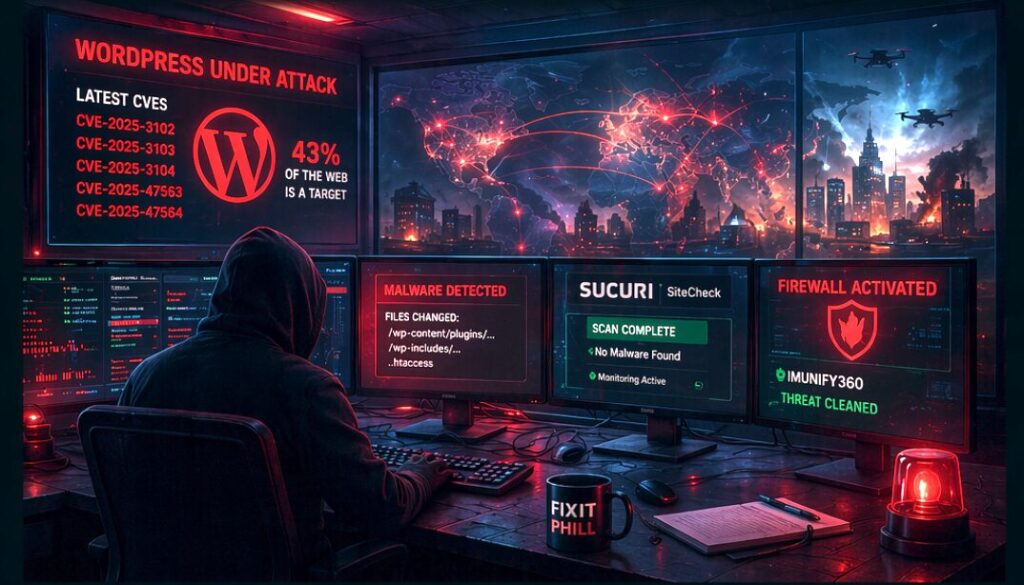
WordPress security has become a daily operations job, not a once-a-quarter plugin chore. The defensive goal is simple: know what you run, patch quickly, limit blast radius, and keep enough clean backups to recover without panic.
Impact Statement
Recent WordPress security issues show the same pattern over and over: outdated plugins, abandoned themes, weak administrator hygiene, and unmanaged hosting accounts create the openings. Site owners do not need attack instructions. They need a repeatable protection routine.
What To Protect First
- Update WordPress core, plugins, and themes from trusted sources.
- Remove plugins and themes that are inactive, abandoned, or no longer needed.
- Use unique administrator accounts with MFA wherever possible.
- Keep PHP, the web server, database, and hosting control panel patched.
- Block direct execution from upload/cache directories when your stack allows it.
- Keep daily off-server backups and test restores before you need them.
Weekly Admin Checklist
- Check pending plugin, theme, and core updates.
- Review administrator users and remove anything you cannot verify.
- Review recently modified files in uploads, cache, plugin, theme, and must-use plugin paths.
- Check security plugin alerts and hosting logs for unusual login, upload, or file-change activity.
- Verify that backups completed and that at least one restore point is stored off the server.
- Document customer impact plainly if indicators of compromise are found.
For Hosting Providers And Agencies
Managed WordPress is multi-tenant by nature. A vulnerable plugin on one account can become a cleanup, trust, and communication problem across the whole service. Keep customer inventories, patch windows, backup status, and account-owner contacts ready before the next emergency.
