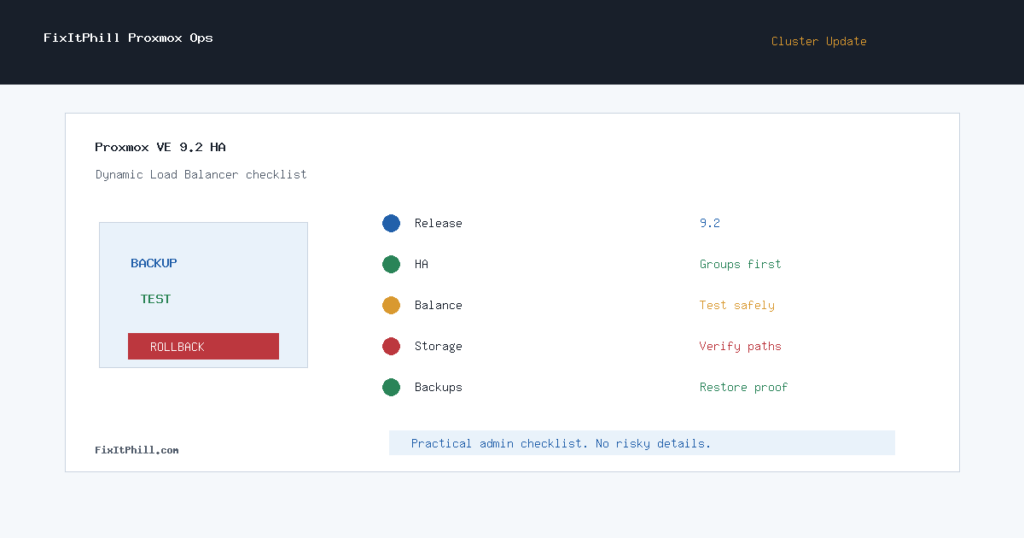
Proxmox VE 9.2 is more than a routine point release for hosting admins. The official Proxmox release notes and roadmap call out a new Dynamic Load Balancer, expanded SDN work, Debian 13.5, Linux kernel 7.0, QEMU 11.0, LXC 7.0, ZFS 2.4, and Ceph Tentacle 20.2.1 as the current default Ceph line.
That makes this a good time to treat Proxmox HA as an operations project, not just a package update. If your cluster hosts cPanel, Plesk, aaPanel, WHMCS, customer VPSs, storage-heavy workloads, or internal tooling, the win is not “new feature installed.” The win is proving that failover, placement, storage, backups, and rollback all still behave after the 9.2 stack lands.
Who Should Prioritize This
- Hosting clusters already running Proxmox VE 9.x.
- Clusters planning an 8.x to 9.x upgrade and still relying on older HA assumptions.
- Nodes carrying WHM/cPanel, Plesk, aaPanel, mail, DNS, backup, or customer VPS workloads.
- Teams using Ceph, shared storage, SDN, or mixed CPU generations.
- Admins who manually rebalance VMs today and want the new Dynamic Load Balancer to reduce that drift.
Preflight Before Touching Nodes
Start with boring evidence. Confirm current Proxmox versions, repository channel, subscription state, cluster quorum, Ceph health if used, backup freshness, and the list of HA-managed guests. For each business-critical VM or container, record where it normally runs, what storage it uses, whether it can migrate live, and whether it has any host-specific assumptions.
Before enabling or testing new placement behavior, make sure the cluster already has clean backups, enough spare capacity for at least one node being drained, and a maintenance window that matches the customer workload. Dynamic placement is useful only if the cluster has room to move.
HA and Dynamic Load Balancer Checklist
- Update one non-critical node or lab cluster first and verify the web UI, storage, networking, and guest lifecycle.
- Review HA groups and placement rules before enabling any automated balancing behavior.
- Keep manually pinned, license-sensitive, storage-sensitive, or latency-sensitive guests out of automated movement until tested.
- Validate live migration between each node pair that may be used for balancing.
- Confirm backup jobs still see every protected guest after migration tests.
- Check Ceph, ZFS, LVM, NFS, iSCSI, and backup-storage paths separately instead of assuming one successful VM proves all storage.
- Review SDN and firewall behavior after guest movement, especially if VLANs, routed zones, or overlay fabrics are involved.
- Test a controlled HA recovery path during the maintenance window, not during the first real failure.
- Document which guests are allowed to move automatically and which remain manually placed.
Upgrade Order for Hosting Clusters
For live hosting environments, avoid upgrading every node at once. Drain or migrate customer workloads from one node, update that node, reboot if required, verify storage and networking, then return only a small workload set before moving to the next node. That slower path catches kernel, storage, CPU model, and network differences before they become cluster-wide.
If the cluster still has Proxmox VE 8.x nodes, follow the official 8-to-9 upgrade guidance before treating 9.2 features as available. Mixed upgrade states are normal during a planned window, but they should be short-lived and documented.
What to Watch After 9.2
- Unexpected guest movement after enabling or testing balancing behavior.
- Windows and appliance VMs after kernel and QEMU changes.
- Backup duration and restore-test results after storage or migration changes.
- Ceph latency, recovery, and placement group health after node reboots.
- SDN route, firewall, and DNS behavior when guests land on a different host.
- CPU model differences that matter for live migration or licensed software.
FixItPhill Position
Proxmox VE 9.2 is worth writing about because the release gives hosting admins a real HA tuning moment. The Dynamic Load Balancer should not be treated like a magic checkbox. Treat it like any other placement system: define policy, test movement, protect critical guests, and keep rollback notes close until the cluster has survived normal business load.
If you run customer workloads, the practical target is simple: after the 9.2 update, you should be able to say which workloads can move, which cannot, where the verified backups are, and what happens if a node fails during the next maintenance window.