WordPress
How to Back Up WordPress by Plesk WP Toolkit
Use Plesk WP Toolkit to back up and restore one WordPress site before updates, plugin changes, staging syncs, and client maintenance.

Use Plesk WP Toolkit to back up and restore one WordPress site before updates, plugin changes, staging syncs, and client maintenance.
Back up and restore WordPress from cPanel WP Toolkit, including when to use the GUI, CLI, restore points, and hosting-admin checks.
Use WHM backups for full cPanel-account WordPress protection, including files, databases, email, DNS-related account data, and restore planning.
Manually back up a WordPress site in cPanel by compressing the document root and exporting the database with phpMyAdmin.
Use cPanel Backup Wizard to make a full or partial WordPress backup, including home directory files and MySQL database exports.
How to back up WordPress using cPanel, WHM, Plesk, WP Toolkit, Softaculous, Installatron, DirectAdmin, JetBackup, plugins, WP-CLI, and cron.
Upgrade to the latest WordPress release safely with backups, staging, plugin and theme checks, dashboard updates, rollback planning, and post-upgrade verification.
JoomSport versions through 5.7.7 are affected by recent unauthenticated SQL injection CVEs. Update WordPress sites to 5.7.8 or newer.
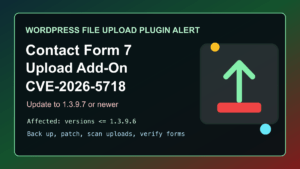
CVE-2026-5718 affects Drag and Drop Multiple File Upload for Contact Form 7 through 1.3.9.6. Update WordPress sites to 1.3.9.7 or newer.
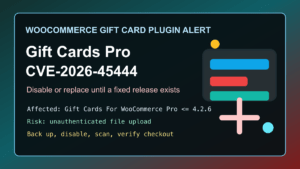
Gift Cards For WooCommerce Pro CVE-2026-45444 affects versions through 4.2.6. Disable or replace the plugin if no fixed release is available.
