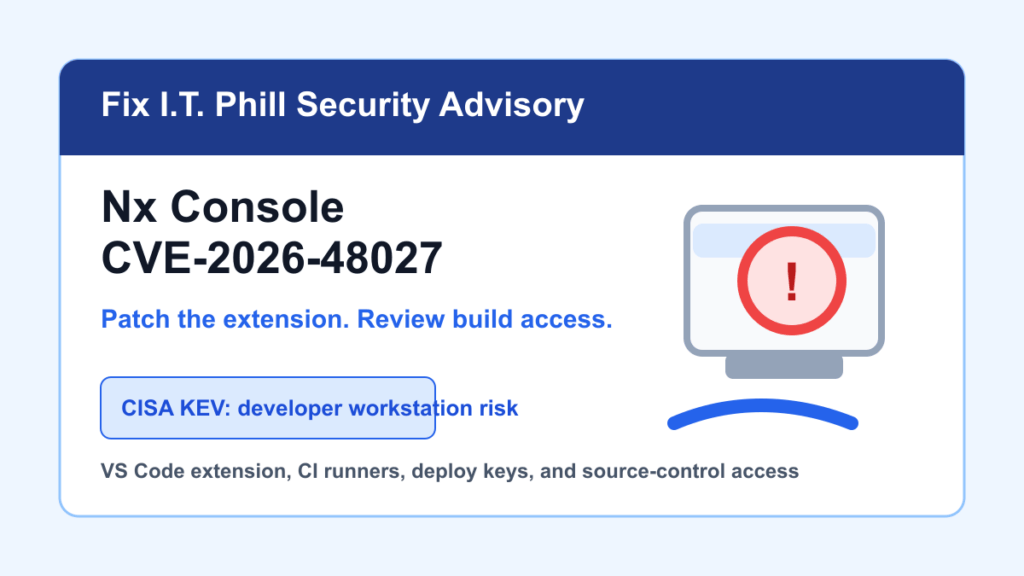
May 27, 2026 update: CISA added CVE-2026-48027 to the Known Exploited Vulnerabilities catalog. This is a developer-workstation and build-chain issue involving a compromised Nx Console Visual Studio Code extension release, not a normal public website bug.
If your agency, web host, SaaS team, or internal IT group uses Nx Console on developer laptops, build machines, or admin workstations, check extension versions now. The affected release was Nx Console 18.95.0. Nx says 18.100.0 and newer are safe, with 18.100.5 current in the vendor postmortem reviewed for this article.
Plain-English Impact
A compromised editor extension runs where developers work. That makes the important question bigger than “is my public website patched?” If a developer machine or build host installed the affected extension during the short exposure window, credentials reachable from that environment may need to be treated as exposed.
For hosting companies and agencies, that can include source-control tokens, package registry tokens, cloud keys, SSH deploy keys, CI secrets, customer deployment credentials, and access to production dashboards.
Affected And Not Affected
- Affected: Nx Console for VS Code version 18.95.0.
- Exposure window reported by Nx: May 18, 2026, roughly 12:30 to 13:09 UTC.
- Fixed: Nx Console 18.100.0 or newer.
- Vendor scope note: Nx says the Nx CLI npm package, official @nx/* plugins, and Nx Cloud were not affected by this specific Nx Console extension incident.
What To Do First
- Confirm whether any developer, contractor, admin, or build workstation installed Nx Console 18.95.0.
- Update Nx Console to 18.100.0 or newer from the official marketplace channel.
- If the affected version was installed during the vendor window, treat that workstation as compromised until reviewed.
- Rotate source-control, package-registry, cloud, SSH, deployment, and CI credentials that were reachable from affected machines.
- Review recent repository, package, cloud, and deployment activity for unexpected changes.
- Rebuild sensitive projects from clean, trusted runners after credentials and dependencies are cleaned up.
Agency And Hosting Provider Checklist
- Ask developers, contractors, and support engineers to report installed Nx Console versions.
- Prioritize workstations that can publish customer sites, push to production branches, manage DNS, access hosting panels, or deploy cloud resources.
- Rotate shared deploy keys and machine-user tokens before trusting new builds from a previously affected machine.
- Check self-hosted runners, desktop build boxes, and admin jump workstations, not only cloud CI.
- Notify affected customers in plain language if their project was built or deployed from a workstation under review.
What Not To Assume
Do not assume a clean public website means the build chain is clean. Do not assume updating the extension alone is enough if the affected version ran on a machine with valuable credentials. And do not rely on a CDN or WAF rule to solve a developer workstation compromise.
Fix I.T. Phill Recommendation
Patch the extension, then inventory and rotate. For a small business site, this may mean asking your web developer whether they use Nx Console and whether the affected extension ever touched your project. For an enterprise or host, it means tying this to asset inventory, CI runner inventory, key rotation, and customer communication.
Related Fix I.T. Phill Guides
- TanStack CVE-2026-45321 npm Supply Chain Response Guide
- How to Maintain a WordPress Website: Complete Business Checklist
- How to Back Up WordPress: Complete Methods Guide
- Help4 Network hosting and website support