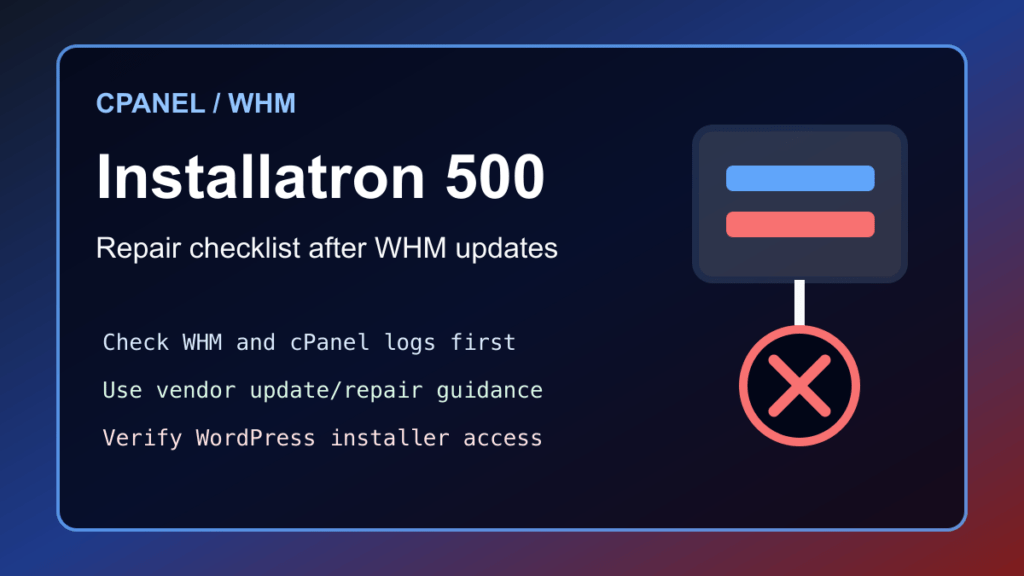
2026 update: this note started as a quick fix for an Installatron Error 500 after a WHM/cPanel 110.0.2 update. The useful lesson is still current: when a one-click installer breaks after a panel update, treat it like a hosting control-panel integration issue, not a WordPress-only problem. Check the WHM update state, review the cPanel error logs, confirm Installatron is current, and use the vendor repair path before making customer-facing changes.
If Installatron loads to an Error 500 inside WHM or cPanel, start with a backup/snapshot and a maintenance note if customers use the installer. Then confirm cPanel/WHM is fully updated, confirm the server has no package-update failures, and review the relevant cPanel and Installatron logs for the actual failure. Do not keep rerunning old copied commands from an old blog post without checking the current vendor instructions first.
Installatron documents an Update/Repair path for server administrators, and cPanel documents how it handles third-party software and plugins. Use those current references as the source of truth:
- Installatron Plugin Documentation
- Installatron Troubleshooting Guide
- cPanel & WHM third-party software documentation
For hosting providers, the safe workflow is simple: verify backups, update WHM/cPanel, update or repair Installatron from the official instructions, test the installer from WHM and from a normal cPanel account, then verify one existing WordPress install and one new test install if your maintenance policy allows it. If the server recently had security work, also review the cPanel WordPress hosting security checklist and the cPanel/WHM WP2 May 2026 security update guide.
If you are on managed hosting, this is the kind of issue your provider should handle. If you are managing your own WHM server, document the panel version, Installatron version, update time, error-log entries, and whether the issue affects all cPanel users or only one account. That information will save time if you need to open a vendor ticket.
2026 cPanel app-installer refresh
An Installatron Error 500 after a WHM or cPanel update should be handled like a control-panel incident. Confirm backups, capture the error time, check whether other cPanel interfaces are affected, review recent panel updates, and separate an Installatron-only failure from a broader PHP, license, disk-space, or permission issue.
Before running repairs or reinstalling components, check customer impact: WordPress auto-installers, backups, cloning, staging, and pending updates. After the fix, test the Installatron admin screen, one customer-side app list, backup visibility, and at least one non-destructive app workflow.