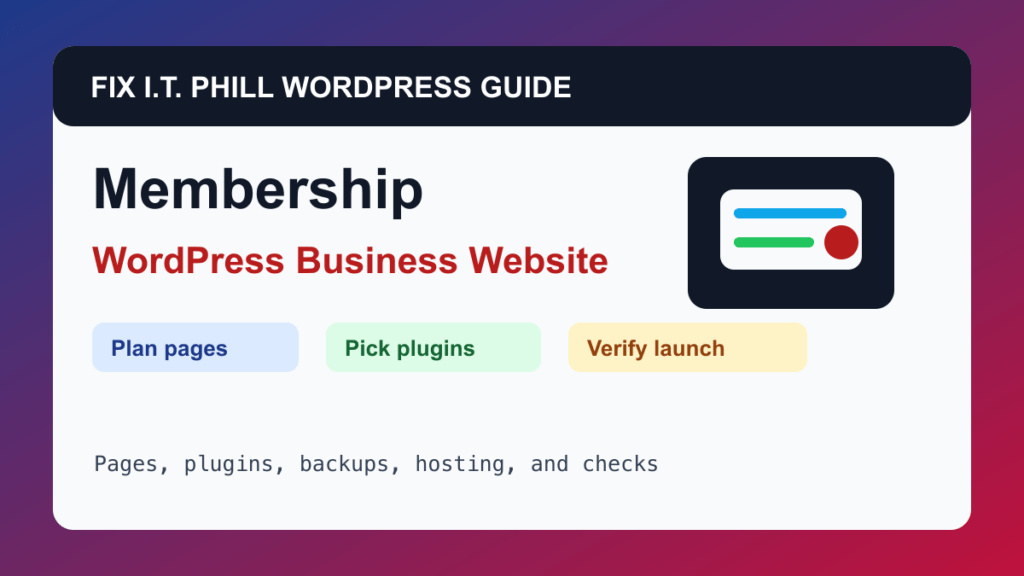
Build a WordPress Membership or Community Website is mostly a planning problem before it is a plugin problem. This guide is for associations, clubs, creators, coaches, client portals, paid communities, and internal teams that need member-only pages, payments, onboarding, and account management.
The right WordPress build starts with the job the site must do: get calls, book appointments, sell products, collect leads, publish events, support members, or help buyers make a decision. Pick plugins only after that workflow is clear.
Recommended WordPress Stack
- membership plugin
- payment provider
- member registration
- restricted content
- email delivery
- backups
- security plugin
- cache rules for logged-in users
Before You Build
- Define membership levels, pricing, renewal rules, cancellation policy, protected content, and support ownership.
- Decide whether community discussion belongs in WordPress or a dedicated platform.
- Plan database backups around membership payments and renewals.
- Back up before adding membership or payment plugins.
Setup Steps
- Create Join, Member Benefits, Pricing, Login, Account, Resources, FAQ, and Contact pages.
- Install a membership plugin and create levels.
- Connect payments and renewal emails.
- Restrict only the pages that truly need protection.
- Configure cache so logged-in users see the right content.
- Test signup, renewal, cancellation, and password reset.
Verify It Works
Confirm member signup, payment status, protected pages, account emails, cancellation path, cache behavior, and backup timing.
Backup And Maintenance Notes
- Take a backup before installing or replacing major plugins.
- Use staging for payment, booking, membership, LMS, cache, or CRM changes when the site is already earning money.
- Keep plugin count intentional; remove unused plugins instead of leaving them disabled forever.
- Document who owns updates, renewals, form notifications, backups, DNS, email, and emergency access.
- After launch, verify forms, checkout, booking, login, search, cache, analytics, and email at least monthly.
Related Fix I.T. Phill Guides
- Industry Website Setup Hub
- How to Add Business Features to WordPress: Complete Plugin Setup Guide
- How to Install WordPress: Complete Methods Guide
- How to Back Up WordPress: Complete Methods Guide
- How to Restore WordPress: Complete Recovery Methods Guide
- How to Migrate WordPress: Complete Hosting Move Guide
- How to Update WordPress Plugins, Themes, and Core Safely
- Help4 Network hosting and website support