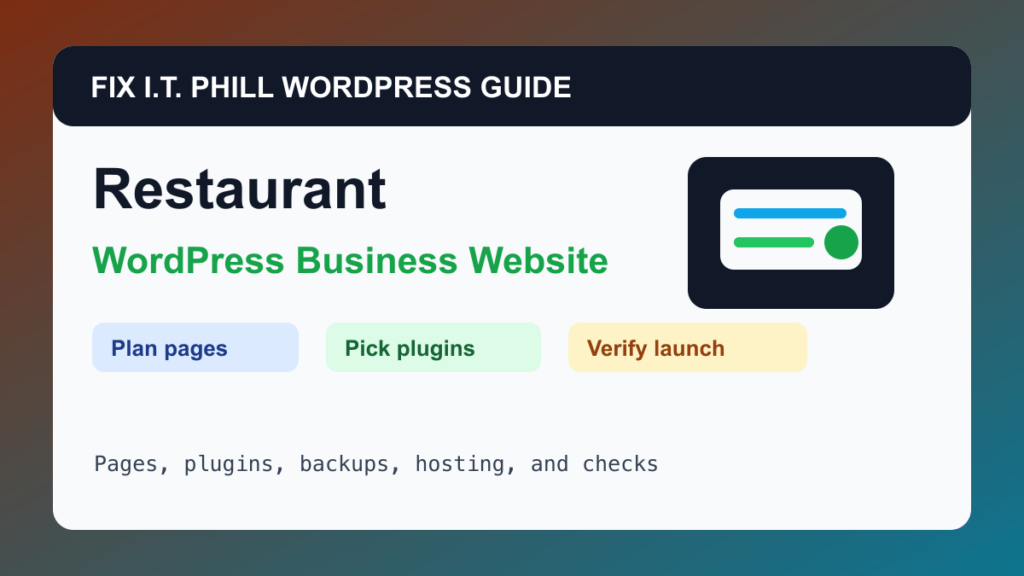
Build a WordPress Website for a Restaurant or Cafe is mostly a planning problem before it is a plugin problem. This guide is for restaurants, cafes, bakeries, bars, food trucks, and catering businesses that need menus, hours, reservations, events, and online ordering decisions.
The right WordPress build starts with the job the site must do: get calls, book appointments, sell products, collect leads, publish events, support members, or help buyers make a decision. Pick plugins only after that workflow is clear.
Recommended WordPress Stack
- menu pages or menu plugin
- reservation or booking plugin
- events calendar if hosting live events
- WooCommerce or external ordering link
- SEO, analytics, cache, image optimization, and backups
Before You Build
- Gather menu items, prices, allergens, photos, hours, location details, and reservation rules.
- Decide whether online ordering happens in WordPress or through a third-party provider.
- Plan separate pages for catering, private events, and gift cards if offered.
- Back up before adding ordering or reservation plugins.
Setup Steps
- Create a mobile-first home page with address, hours, reservation button, and menu link.
- Build menu pages that are easy to update from a phone or laptop.
- Add reservation, event, or order buttons only where staff can actually support the workflow.
- Set up SEO titles for cuisine, city, catering, and private event searches.
- Connect analytics and verify tap-to-call, maps, and form delivery.
- Clear cache after menu and hours changes.
Verify It Works
Check menu readability on phones, reservation flow, online-order handoff, map directions, hours, event pages, and page speed on cellular data.
Backup And Maintenance Notes
- Take a backup before installing or replacing major plugins.
- Use staging for payment, booking, membership, LMS, cache, or CRM changes when the site is already earning money.
- Keep plugin count intentional; remove unused plugins instead of leaving them disabled forever.
- Document who owns updates, renewals, form notifications, backups, DNS, email, and emergency access.
- After launch, verify forms, checkout, booking, login, search, cache, analytics, and email at least monthly.
Related Fix I.T. Phill Guides
- Industry Website Setup Hub
- How to Add Business Features to WordPress: Complete Plugin Setup Guide
- How to Install WordPress: Complete Methods Guide
- How to Back Up WordPress: Complete Methods Guide
- How to Restore WordPress: Complete Recovery Methods Guide
- How to Migrate WordPress: Complete Hosting Move Guide
- How to Update WordPress Plugins, Themes, and Core Safely
- Help4 Network hosting and website support