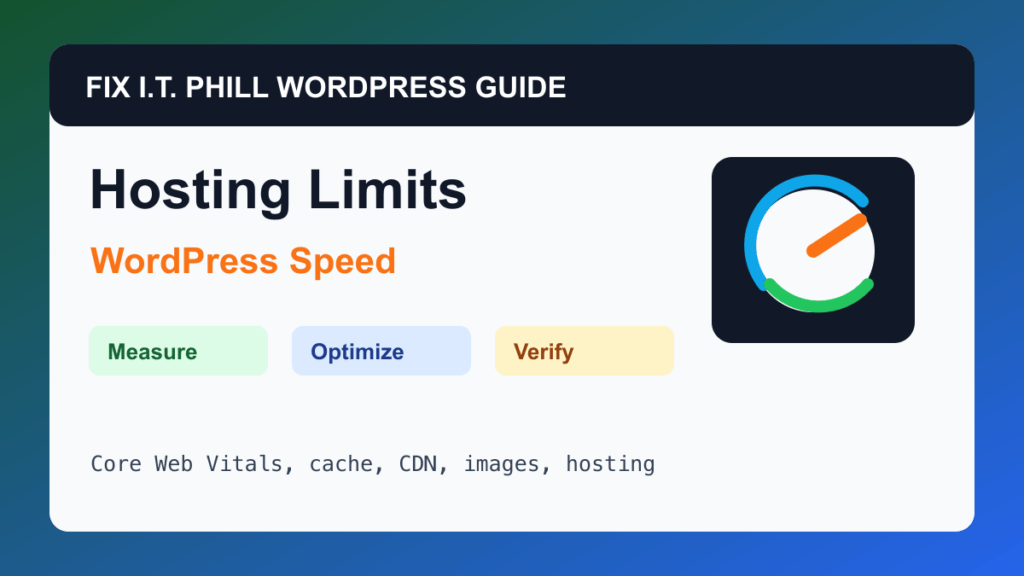
Fix Slow WordPress Hosting Resource Limits is for shared hosting, VPS, cPanel, Plesk, managed WordPress, and agency sites hitting CPU, memory, entry-process, database, or disk I/O ceilings.
WordPress speed work should start with measurement and end with verification. A faster score is not useful if forms stop sending, checkout breaks, admin becomes unstable, or the site owner cannot repeat the maintenance process.
Before You Start
- Check hosting metrics before blaming WordPress alone.
- Back up before changing PHP, cache, database, plugin, or server settings.
- Know whether slowness is public traffic, wp-admin, cron, backups, malware scans, bots, or checkout traffic.
- Avoid upgrading blindly without proving the current bottleneck.
Performance Steps
- Review cPanel, Plesk, host, or server monitoring graphs during slow periods.
- Check PHP version, memory, workers, database activity, disk usage, and error logs.
- Reduce heavy plugins, large images, and unnecessary background jobs.
- Add page cache, object cache, CDN, or bot controls where appropriate.
- Move to a stronger plan or architecture when resource pressure remains after cleanup.
Hosting And Control Panel Notes
- Shared hosting limits may show as intermittent 508, 503, slow TTFB, failed backups, or admin timeouts.
- WooCommerce, LMS, membership, and multisite need more headroom than brochure sites.
- A CDN helps delivery, but the origin still needs enough resources for dynamic traffic.
Verify It Works
Confirm resource graphs improve, slow pages respond faster, backups complete, admin works, and business workflows remain stable.
Backup And Rollback Notes
- Take a fresh backup before changing cache, CDN, image, database, PHP, theme, or plugin behavior.
- Use staging for WooCommerce, membership, LMS, booking, high-lead, and high-traffic sites.
- Change one performance layer at a time so rollback is possible.
- After every speed change, retest forms, checkout, booking, login, search, admin, mobile layout, and email where relevant.
Related Fix I.T. Phill Guides
- WordPress Performance Optimization Hub
- How to Maintain a WordPress Website: Complete Business Checklist
- How to Add Business Features to WordPress: Complete Plugin Setup Guide
- How to Install WordPress: Complete Methods Guide
- How to Back Up WordPress: Complete Methods Guide
- How to Restore WordPress: Complete Recovery Methods Guide
- How to Migrate WordPress: Complete Hosting Move Guide
- How to Build a WordPress Website for Any Business: Industry Setup Guide
- WordPress 7.0 Safe Upgrade Checklist for Business Sites