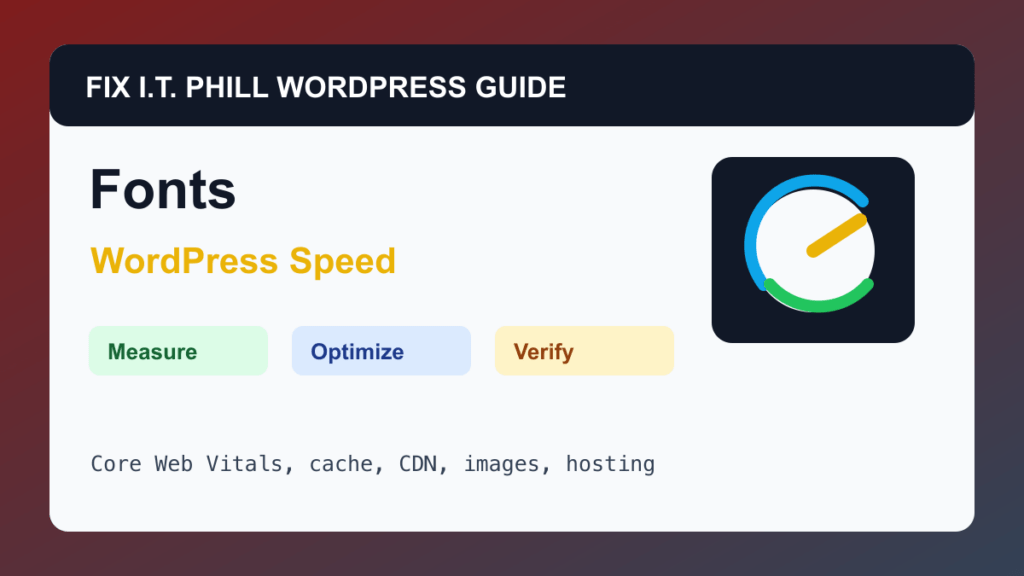
Optimize WordPress Fonts for Speed is for brands, designers, agencies, and site owners using custom fonts that hurt LCP, CLS, or mobile speed.
WordPress speed work should start with measurement and end with verification. A faster score is not useful if forms stop sending, checkout breaks, admin becomes unstable, or the site owner cannot repeat the maintenance process.
Before You Start
- Back up before changing theme, builder, font plugin, or CSS settings.
- List every custom font family and weight in use.
- Check whether fonts are local, remote, theme-provided, or builder-provided.
- Avoid loading weights and styles that are not visible on the site.
Performance Steps
- Reduce the number of font families, weights, and styles.
- Prefer local hosting or a controlled delivery path when licensing and theme support allow it.
- Reserve space so font loading does not cause layout shifts.
- Test mobile pages with the actual hero, headings, navigation, and buttons.
- Retest after cache and CDN purge.
Hosting And Control Panel Notes
- Fonts can be served by the theme, builder, plugin, CDN, or external provider.
- CDN cache and preload settings can help, but over-preloading can hurt other critical assets.
- Font changes should be tested on forms, checkout, headers, footers, and mobile menus.
Verify It Works
Confirm text renders quickly, layout does not shift, brand appearance remains acceptable, and PageSpeed diagnostics improve.
Backup And Rollback Notes
- Take a fresh backup before changing cache, CDN, image, database, PHP, theme, or plugin behavior.
- Use staging for WooCommerce, membership, LMS, booking, high-lead, and high-traffic sites.
- Change one performance layer at a time so rollback is possible.
- After every speed change, retest forms, checkout, booking, login, search, admin, mobile layout, and email where relevant.
Related Fix I.T. Phill Guides
- WordPress Performance Optimization Hub
- How to Maintain a WordPress Website: Complete Business Checklist
- How to Add Business Features to WordPress: Complete Plugin Setup Guide
- How to Install WordPress: Complete Methods Guide
- How to Back Up WordPress: Complete Methods Guide
- How to Restore WordPress: Complete Recovery Methods Guide
- How to Migrate WordPress: Complete Hosting Move Guide
- How to Build a WordPress Website for Any Business: Industry Setup Guide
- WordPress 7.0 Safe Upgrade Checklist for Business Sites