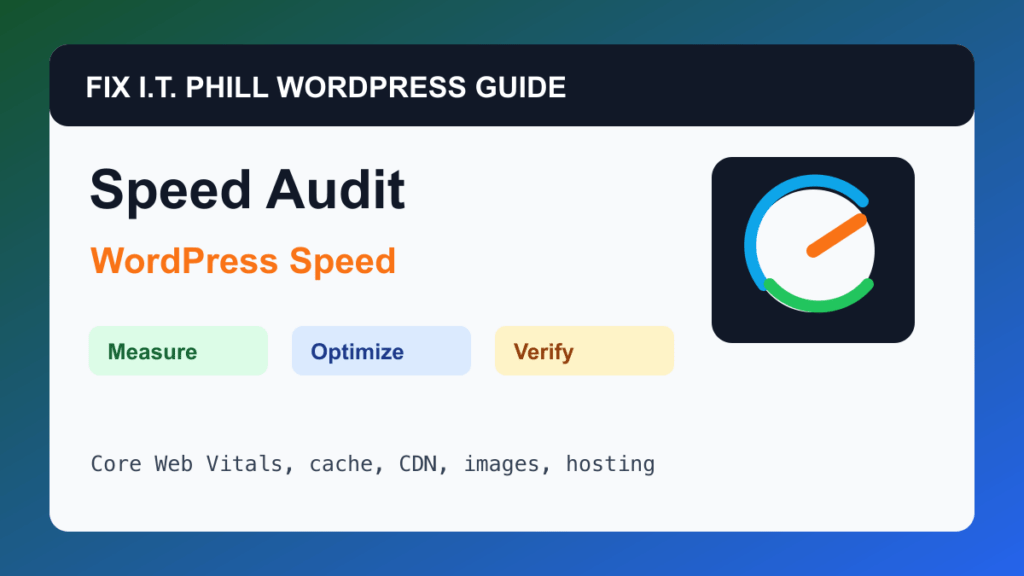
Run a WordPress Speed Audit Before Installing Plugins is for site owners and agencies who need to find the real bottleneck before stacking more optimization plugins.
WordPress speed work should start with measurement and end with verification. A faster score is not useful if forms stop sending, checkout breaks, admin becomes unstable, or the site owner cannot repeat the maintenance process.
Before You Start
- Back up the site before changing cache, theme, plugin, CDN, database, or hosting settings.
- List the pages that matter: home, contact, checkout, booking, login, product, service, and landing pages.
- Test with cache on and off when possible so you know whether the problem is WordPress, hosting, media, or external scripts.
- Record the current theme, PHP version, active plugins, cache layers, CDN, and hosting plan.
Performance Steps
- Run PageSpeed Insights for the home page and one high-value internal page.
- Check field data separately from lab data so you do not chase one synthetic score blindly.
- Review LCP, INP, CLS, TTFB, total page weight, image size, plugin count, and external scripts.
- Check hosting CPU, memory, process, entry-process, and database pressure where the panel exposes it.
- Write down the top three likely causes before installing or changing anything.
Hosting And Control Panel Notes
- A plugin cannot fully fix a saturated server, slow database, overloaded shared account, or distant origin.
- For cPanel and Plesk sites, compare resource graphs with slow periods.
- For WooCommerce, membership, LMS, and booking sites, test logged-in and checkout paths separately.
Verify It Works
You should finish with a short baseline report, the slowest business-critical pages, and the first safe change to test.
Backup And Rollback Notes
- Take a fresh backup before changing cache, CDN, image, database, PHP, theme, or plugin behavior.
- Use staging for WooCommerce, membership, LMS, booking, high-lead, and high-traffic sites.
- Change one performance layer at a time so rollback is possible.
- After every speed change, retest forms, checkout, booking, login, search, admin, mobile layout, and email where relevant.
Related Fix I.T. Phill Guides
- WordPress Performance Optimization Hub
- How to Maintain a WordPress Website: Complete Business Checklist
- How to Add Business Features to WordPress: Complete Plugin Setup Guide
- How to Install WordPress: Complete Methods Guide
- How to Back Up WordPress: Complete Methods Guide
- How to Restore WordPress: Complete Recovery Methods Guide
- How to Migrate WordPress: Complete Hosting Move Guide
- How to Build a WordPress Website for Any Business: Industry Setup Guide
- WordPress 7.0 Safe Upgrade Checklist for Business Sites