


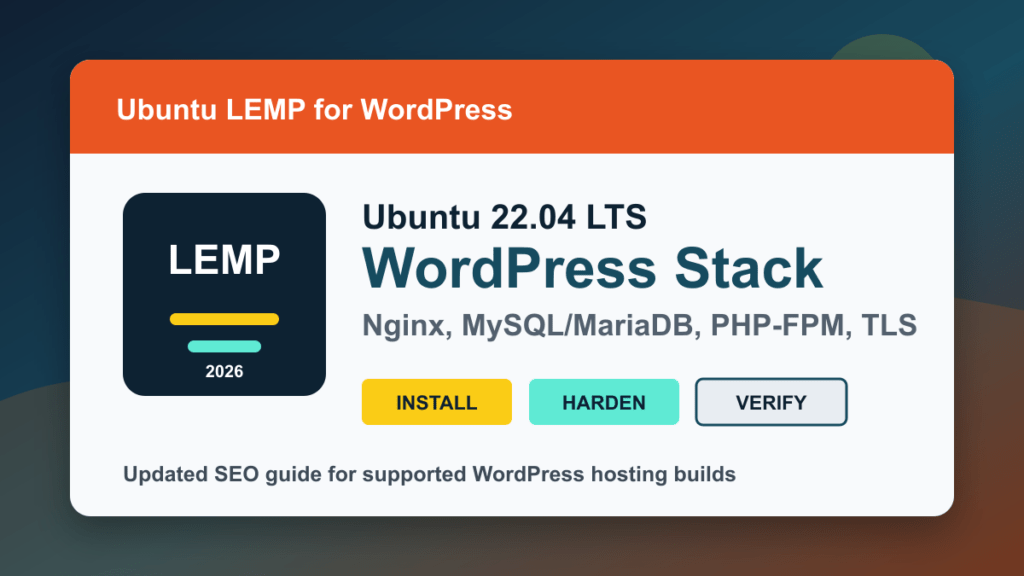
2026 update: Ubuntu 22.04 LTS is still a valid long-term support base for existing WordPress LEMP servers, but the old WordPress 6.2 wording should not be treated as a current build target. For a new server, use the newest supported Ubuntu LTS and current WordPress/PHP requirements. For an existing 22.04 server, update packages, confirm PHP-FPM, review TLS, and harden the stack before putting real customer traffic on it.
Use this older tutorial as the basic LEMP shape: Linux, Nginx, MySQL or MariaDB, and PHP-FPM. Then pair it with the Ubuntu 22.04 LEMP hardening guide, the WordPress white screen / error 500 troubleshooting guide, and the WordPress update planning guide. For hosted sites, also review the cPanel WordPress hosting security checklist and the Help4.net CDN setup guide.
Current reference links: WordPress requirements, Ubuntu release cycle, Nginx documentation, PHP supported versions, and Certbot TLS instructions.
If you're looking for an operating system that is reliable and highly effective in running WordPress 6.2, Ubuntu 22 LTS LEmp may be the solution you've been searching for. LEmp is a popular acronym with Ubuntu 22.04 that stands for Linux, Nginx, MySQL, and PHP – making it an ideal choice for web developers and bloggers who require a powerful and streamlined backend for their WordPress sites.
To get started with your Ubuntu 22 LEmp installation, there are a few essential steps you need to follow.
First, you'll need to install Ubuntu 22.04 on your machine. This is a straightforward process, and there are plenty of tutorials available online to guide you through the process. Once Ubuntu 22.04 is installed, you can move on to the next step, which is installing Nginx.
Nginx is a web server that is capable of handling high traffic volumes and improving the overall performance of your WordPress site. After installing Nginx, you should configure it to work with PHP 8.2 by installing PHP-FPM, a FastCGI process manager that interacts with Nginx. This will allow you to run PHP scripts on your Ubuntu 22 LEmp platform.
Along with Nginx and PHP, you'll also want to install MySQL, which is the database server that WordPress relies on to store your site's data. Once you get MySQL up and running, you can begin configuring your WordPress installation to work with your Ubuntu 22 LEmp setup.
As you can see, installing Ubuntu 22 LEmp for WordPress 6.2 requires some technical know-how. But don't worry; at Help4WordPress.com, we offer expert WordPress development services, including Ubuntu 22 LEmp installations, to make the process easier for you. Our team of experienced professionals can quickly install a fully optimized platform that ensures your WordPress site runs smoothly and securely.
So, if you want to enjoy the full benefits of Ubuntu 22 LEmp for your WordPress 6.2 site, rely on the experts at Help4WordPress.com. Contact us today to learn more about how we can help you get started with your Ubuntu 22 LEmp installation.
Hardening note: The follow-up hardening guide is now live. After the base install, review Hardening Your Ubuntu 22.04 LTS LEMP Stack for WordPress before using the server for production sites.
*ALL TUTORIALS/LINKS ARE TO OFFICIAL INSTALLATION GUIDES ONLY*

