2026 update: the main lesson still holds for small business WordPress hosting: cloud infrastructure is not the same thing as WordPress support. If you host WordPress on AWS, you still need a plan for backups, malware cleanup, firewall rules, patching, email, CDN/cache behavior, and who answers when the site breaks. If you want the practical checklist first, read our cPanel WordPress hosting security checklist, our Help4.net CDN for WordPress setup guide, and the Help4Network DIY Starter hosting overview.
First, let me say that AWS (Amazon Web Services) has customer service that rivals the stupidity of America Online on a good day. Secondly, let me say that if you can get someone on the phone at all, Amazon feels like they have taken a “Too Big To Fail” approach to both hosting and selling things even on their sales platform. Now for the security issues.
Amazon can make you responsible for a LAMP stack or LEMP stack that still needs real security work. AWS explains this through its shared responsibility model: they operate the cloud, but you are still responsible for much of what runs in it. Even if someone reports you for having malware, they are almost no help to clean the issue, and that is even if they notify you they got a report. Unlike Amazon, we will notify you and fix the issue if you are on one of the Help4 Network packages. Even if you are just on basic hosting, we will still be there to help restore you to a date before the infection happened since we use server-level scanning to help keep sites clean.
With AWS you will not automatically receive WordPress cleanup help or guaranteed daily backups of your entire hosting account, including any email account you use in your cPanel account with us. On Help4 Network hosting, backups can be restored with a ticket to our 24/7 team of actual techs. We do not employ salespeople and never will. We stand firm on the fact that good technology sells itself. No need for gimmicks or “proprietary hardware” that could be hacked by foreign governments because our CEO thinks they are a hardware developer too. We stay in our lane of good software built on open source and our own team of full stack developers who have been dealing with WordPress and other hosting technology for over 25 years on average.
So in what world would a “retail company” make for a good hosting company? They cannot even get their own payment processing to work right and love to randomly block gift cards, credit cards, and debit cards if you use them on a VPN, then force you to spend hours trying to get refunded while transferring you to reps that do not have the technical knowledge to understand what happened.
Trust that we would send you to a web builder like Weebly or Squarespace long before we would host anything on AWS or tell you to do the same.
What to Check Before Hosting WordPress on AWS
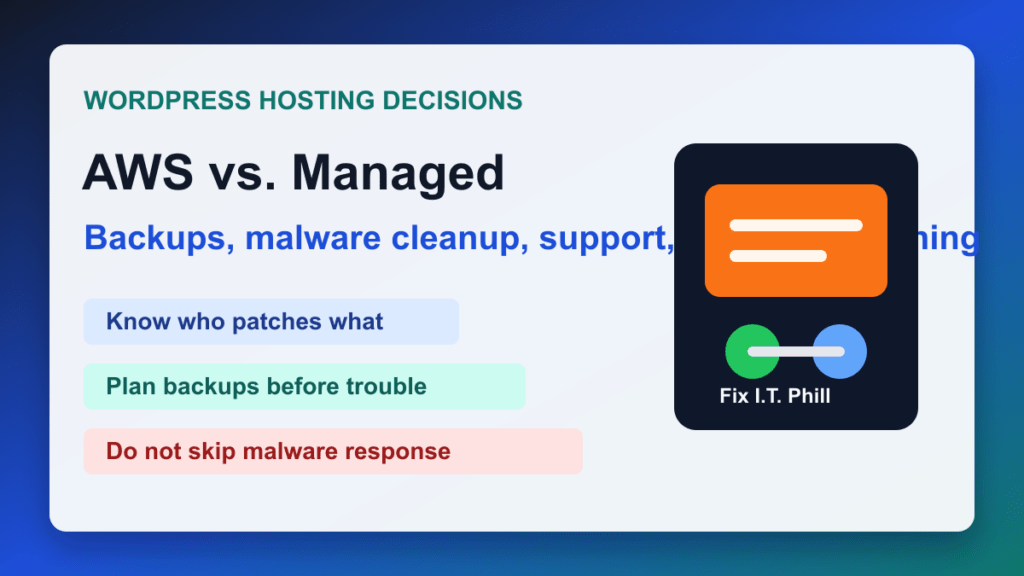
- Backups: know where the backups live, how often they run, and how fast a real restore can happen.
- Malware response: decide who cleans files, reviews unexpected executables, and confirms the site is safe again.
- Patch ownership: write down who updates WordPress core, plugins, themes, PHP, OpenSSL, Apache, Nginx, MySQL/MariaDB, and the server OS.
- Cache and CDN behavior: test cache purge, image handling, page rules, and whether your CDN makes SEO pages faster without hiding errors.
- Support path: make sure there is a person or team responsible for WordPress problems, not only cloud infrastructure tickets.
If you want lower-maintenance WordPress hosting with real cleanup and restore help, start with the hosting security checklist and compare it against any cloud plan before moving a business site.
Help4 WordPress / Help4 Network Staff