WordPress
How to Back Up WordPress by cPanel WP Toolkit
Back up and restore WordPress from cPanel WP Toolkit, including when to use the GUI, CLI, restore points, and hosting-admin checks.

Back up and restore WordPress from cPanel WP Toolkit, including when to use the GUI, CLI, restore points, and hosting-admin checks.
Use WHM backups for full cPanel-account WordPress protection, including files, databases, email, DNS-related account data, and restore planning.
Manually back up a WordPress site in cPanel by compressing the document root and exporting the database with phpMyAdmin.
Use cPanel Backup Wizard to make a full or partial WordPress backup, including home directory files and MySQL database exports.
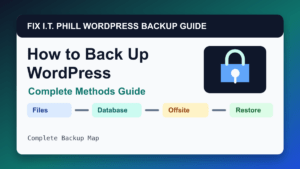
How to back up WordPress using cPanel, WHM, Plesk, WP Toolkit, Softaculous, Installatron, DirectAdmin, JetBackup, plugins, WP-CLI, and cron.
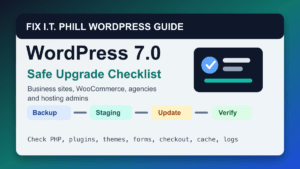
Upgrade to the latest WordPress release safely with backups, staging, plugin and theme checks, dashboard updates, rollback planning, and post-upgrade verification.
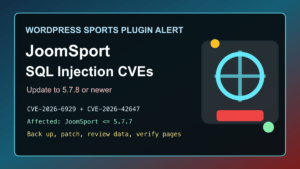
JoomSport versions through 5.7.7 are affected by recent unauthenticated SQL injection CVEs. Update WordPress sites to 5.7.8 or newer.
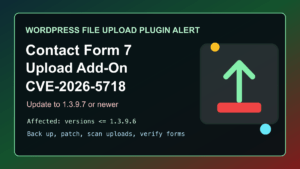
CVE-2026-5718 affects Drag and Drop Multiple File Upload for Contact Form 7 through 1.3.9.6. Update WordPress sites to 1.3.9.7 or newer.
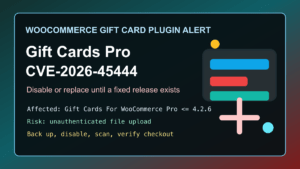
Gift Cards For WooCommerce Pro CVE-2026-45444 affects versions through 4.2.6. Disable or replace the plugin if no fixed release is available.
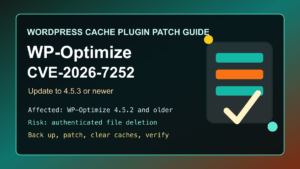
Patch WP-Optimize CVE-2026-7252 by updating to 4.5.3 or newer, reviewing content users, clearing caches, and checking site integrity.
