


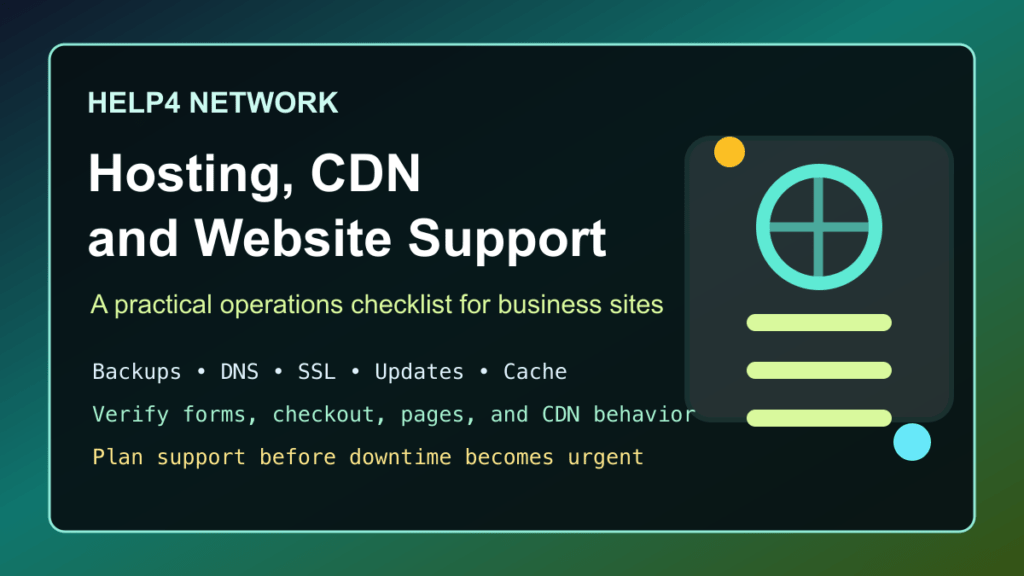
2026 refresh: this older Help4 Network post was originally a short service blurb. The useful version for current readers is a practical overview of what to look for when choosing website hosting, CDN support, WordPress maintenance, and project help.
Help4 Network is most useful when it is treated as an operations partner, not just a place to put files online. A business website needs hosting, updates, backups, malware checks, performance tuning, DNS, SSL/TLS certificates, email deliverability awareness, and someone who can verify the site after changes.
What Help4 Network Can Help With
- Website hosting: placing the site on a server stack that fits the size, traffic, and maintenance needs of the business.
- WordPress support: updates, troubleshooting, plugin checks, theme issues, builder problems, forms, and recovery planning.
- Website maintenance: backups, uptime checks, security review, cache clearing, and post-change verification.
- Performance work: CDN setup, image handling, page cache, object cache, server tuning, and front-end cleanup.
- Project support: helping a business plan a new website, rebuild an older one, or stabilize a site that has become hard to maintain.
What To Check Before Moving A Site
Before moving a website to a new host or support provider, gather the basics first. This saves time and reduces the chance of an avoidable outage.
- Domain registrar access and DNS provider access.
- Current hosting panel access, such as cPanel or Plesk.
- WordPress administrator access.
- Recent file and database backups.
- Email routing details, including MX records and mail provider.
- CDN or WAF access if the site uses one.
- Known plugin, theme, PHP, or builder compatibility issues.
- A list of pages, forms, checkout flows, booking flows, or customer portals that must work after the move.
For WordPress sites, the Help4 WordPress support checklist is the best starting point. It explains what details to collect before asking for help with errors, updates, security warnings, builder issues, migrations, and hosting problems.
Hosting Is More Than Server Space
Cheap hosting can work for a simple brochure site, but support becomes more important as the site gets closer to the business. If the website handles orders, leads, appointments, memberships, client documents, or reputation-sensitive pages, the hosting plan needs a maintenance plan too.
At minimum, confirm:
- Backups are automatic, recent, and restorable.
- PHP, WordPress, plugins, and themes are in supported versions.
- SSL/TLS certificates renew without manual surprises.
- Malware scanning and cleanup responsibilities are clear.
- Server logs can be reviewed when something breaks.
- CDN and cache settings are documented.
- There is a known recovery path if an update fails.
The cPanel WordPress hosting security checklist is a practical follow-up for any WordPress site that needs better backups, malware scanning, update planning, and hosting-side security.
CDN And Performance Support
A CDN can help a site load faster and absorb traffic better, but it has to be configured correctly. Bad cache settings can hide updates, serve stale pages, break forms, or make troubleshooting harder. The right setup depends on the site: a static business site, a WooCommerce store, and a membership portal should not all use the exact same cache rules.
If the site uses Help4.net CDN, review the Help4.net CDN setup guide for WordPress. After any hosting, plugin, builder, or security update, verify the public page through the CDN, not only inside wp-admin.
Project Work And Website Rebuilds
The original version of this article referenced a specific site project from 2023. Project availability and public site status can change over time, so this refresh focuses on the repeatable lesson: a serious website project needs planning, hosting, performance, security, testing, and maintenance after launch.
Before starting a rebuild, write down the pages that make money, the forms that collect leads, the integrations that cannot break, and the person responsible for verifying the site after launch. If the site is WordPress-based, also decide whether the current builder stack is worth keeping or whether it should be simplified during the rebuild.
When To Ask For Help
Ask for help before making changes if the site has no recent backup, if the domain or DNS setup is unclear, if the site already shows malware warnings, or if the business cannot afford extended downtime. Also ask for help before updating major ecommerce, booking, membership, LMS, cache, security, or builder plugins on a live production site.
For routine maintenance, keep these Fix I.T. Phill guides nearby:
- Why regular WordPress updates matter
- How to update WordPress plugins, themes, and core safely
- WordPress white screen and error 500 troubleshooting
- Disabling WordPress plugins with phpMyAdmin
- Why AWS can be the wrong fit for small business WordPress hosting
Source
Updated May 25, 2026, to replace the older promotional copy with a practical website hosting, CDN, support, and maintenance checklist.

