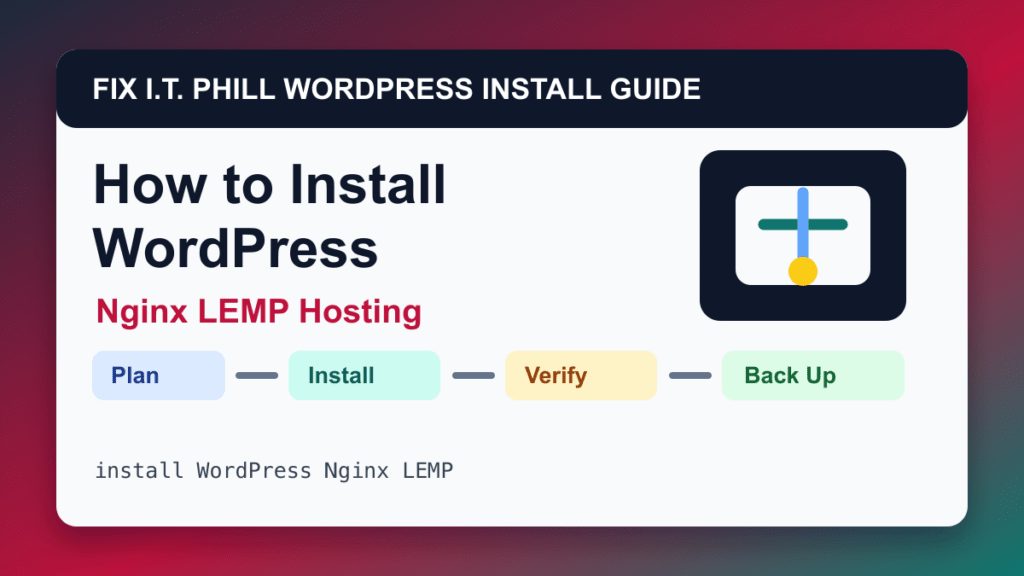
Nginx LEMP stack is a good WordPress installation path when it matches the host and future maintenance plan. This method is best for self-managed WordPress hosting where Nginx and PHP-FPM are preferred over Apache.
Audience: VPS owners, sysadmins, developers, agencies, and performance-focused site operators. Before installing, decide who owns the site, where backups live, how updates happen, and what will happen if the first plugin or theme choice breaks the site.
Before install
- Patch the server first.
- Prepare Nginx server blocks, PHP-FPM pool settings, database, TLS, DNS, backups, and log rotation.
- Know how Nginx rewrite rules replace Apache .htaccess behavior.
- Plan cache rules carefully for logged-in users and stores.
Install steps
- Create the Nginx server block and document root.
- Install PHP-FPM and required extensions.
- Create the database and database user.
- Download WordPress and set file ownership.
- Configure Nginx WordPress routing and PHP handling.
- Run the WordPress installer and verify HTTPS.
Post-install verification
Check front-end routes, wp-admin, media uploads, permalinks, PHP-FPM logs, Nginx logs, TLS, cache exclusions, backups, and cron.
Also confirm public pages return 200, the dashboard loads over HTTPS, the administrator email can receive password resets, updates are visible, and a backup exists before you start building heavily.
Install risks
- Apache-style .htaccess rules do not apply automatically on Nginx.
- Bad cache rules can cache private pages.
- PHP-FPM pool limits can show up as intermittent errors under load.
Backup and rollback planning
A new WordPress site still needs a rollback plan. Create the first backup before installing large themes, builders, ecommerce extensions, membership tools, LMS plugins, or custom code. If this install is for a customer, document the host, login ownership, backup location, update policy, and launch checklist.
Fix I.T. Phill recommendation
Use Nginx LEMP stack when it gives you the cleanest path to updates, backups, SSL, and support. Keep the install lean, verify it publicly, and connect it to the backup, restore, and migration guides before the site becomes important.
Related Fix I.T. Phill Guides
- How to Install WordPress: Complete Methods Guide
- How to Install WordPress by cPanel WP Toolkit
- How to Auto-Install WordPress for New cPanel Accounts
- How to Install WordPress by Plesk WP Toolkit
- How to Install WordPress by Softaculous
- How to Install WordPress by Installatron
- How to Install WordPress by DirectAdmin WordPress Manager
- How to Install WordPress Manually in cPanel
- How to Back Up WordPress: Complete Methods Guide
- How to Restore WordPress: Complete Recovery Methods Guide
- How to Migrate WordPress: Complete Hosting Move Guide
- WordPress 7.0: Safe Upgrade Checklist for Business Sites
- Install essential PHP extensions for WordPress in WHM/cPanel
- Help4 Network hosting and website support